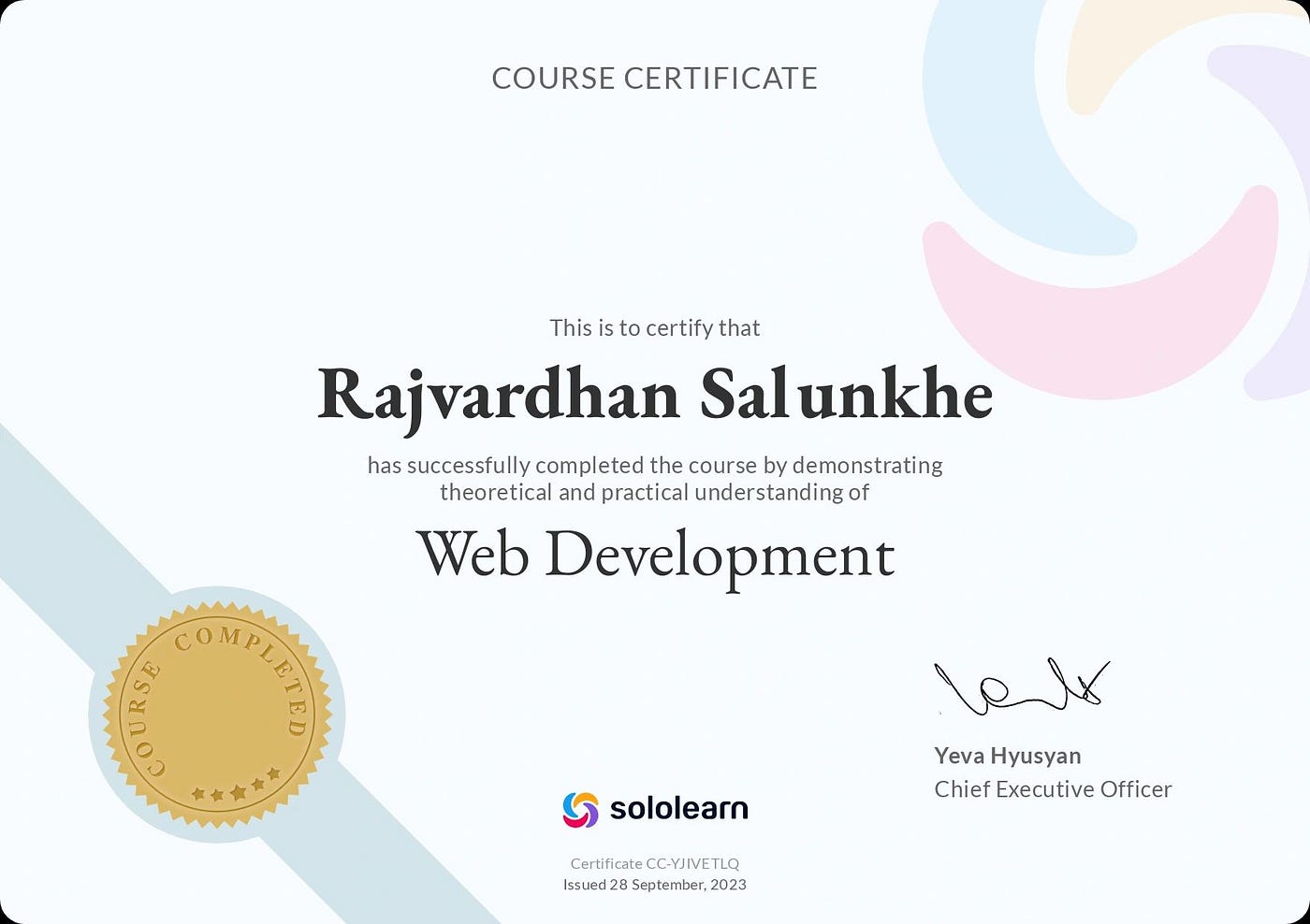
Enrolled Courses
12 Courses

12 Courses
45 Lectures
3 Certificates
5 Pending
7 Badges
Complete your profile


In this lecture, we will cover the basics of web development, including HTML, CSS, and JavaScript.
HTML is the backbone of any web page. It provides the structure and content of the page.
This lecture covers the very basics of web development. You’ll explore HTML structure, semantic elements, and understand how everything connects to create your first web page.
By the end of this lecture, you should be able to create a simple webpage using HTML and CSS.
You’ll also learn about responsive design and how to make your site look good on all devices.
The web powers almost everything today. By learning these skills, you can build your own websites, create modern apps, and even start freelancing.
Plus, web development is a great way to get into the tech world with lots of job opportunities.
To build modern web applications, you need to be familiar with the following core technologies:
Lorem ipsum dolor sit amet consectetur adipisicing elit. Quasi quos blanditiis tenetur a eius. Perspiciatis labore quia dolorum, in quisquam dolor earum nihil debitis soluta, magni, mollitia adipisci quasi nam?
Lorem ipsum dolor sit amet, consectetur adipisicing elit. Similique recusandae incidunt est veritatis ipsum cum quisquam eius inventore a aspernatur ipsa repellendus placeat tempore amet eaque dolore, voluptatibus labore. Vero.
Lorem ipsum dolor sit amet, consectetur adipisicing elit. Praesentium, ducimus, aut odit tenetur doloribus sed accusantium ab minus nihil adipisci cum excepturi voluptates aliquid vitae? Eum, sed natus! Animi, aliquid?

Lorem ipsum dolor sit amet consectetur adipisicing elit. Atque laborum numquam aliquid, quam corporis quidem expedita nulla totam. Nisi cumque ipsum quos dolorum molestias, quaerat eveniet officiis ducimus sint sunt!
You can study more from MDN Web Docs and W3Schools for quick practice.
Remember, consistency is the key. Keep coding daily, experiment with small projects, and you’ll see real improvement.
Completed on: Jan 15, 2025
Completed on: Feb 10, 2025
You don’t have any certificates yet.

Attached with Digital Applications